Choose a Markdown file
Use an existing .md file or save a starter file from Surfdeck.
Surfdeck turns a plain .md file into a fast local menu for links and copyable snippets. No account, no cloud database, no proprietary bookmark file.
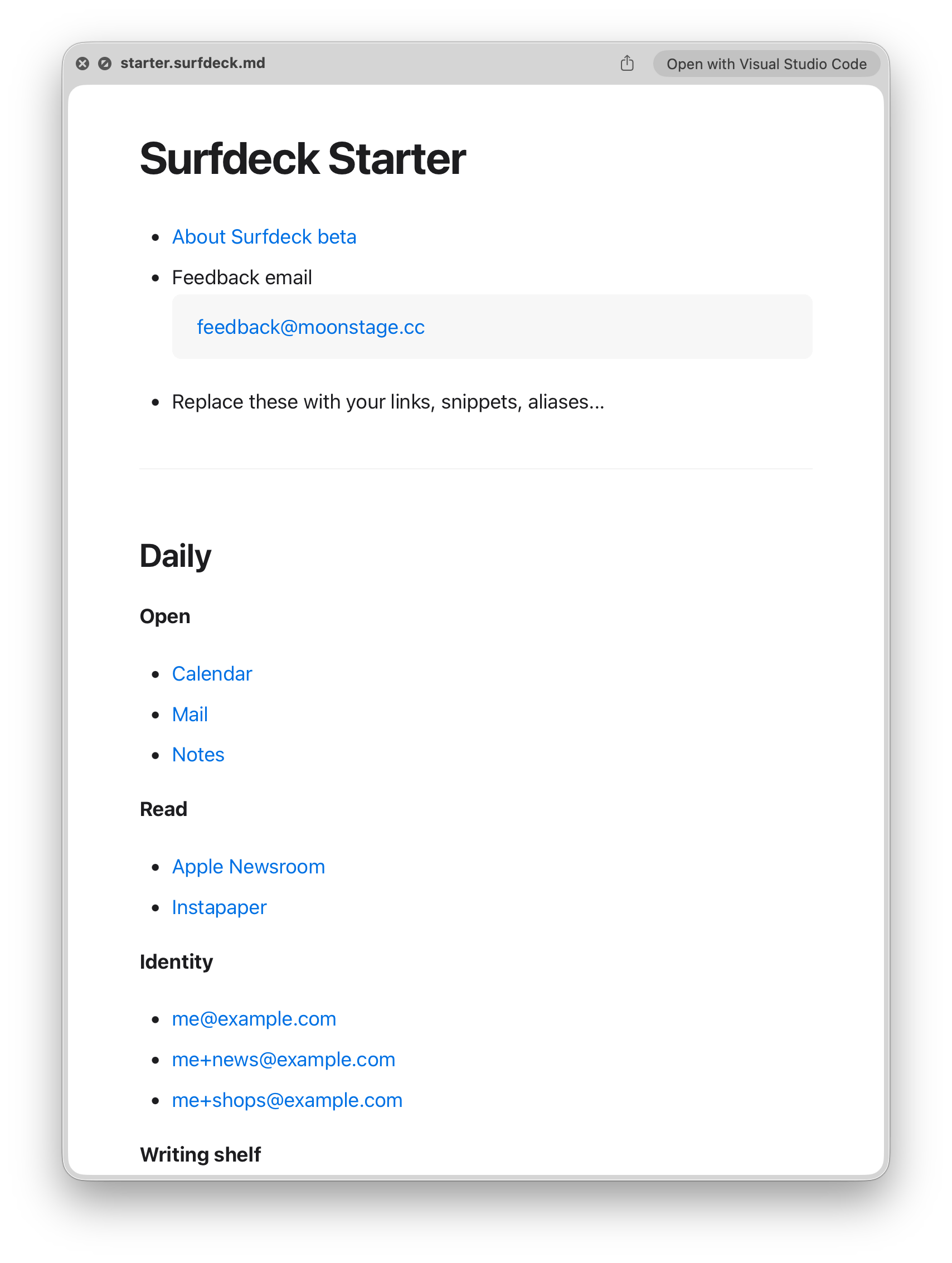
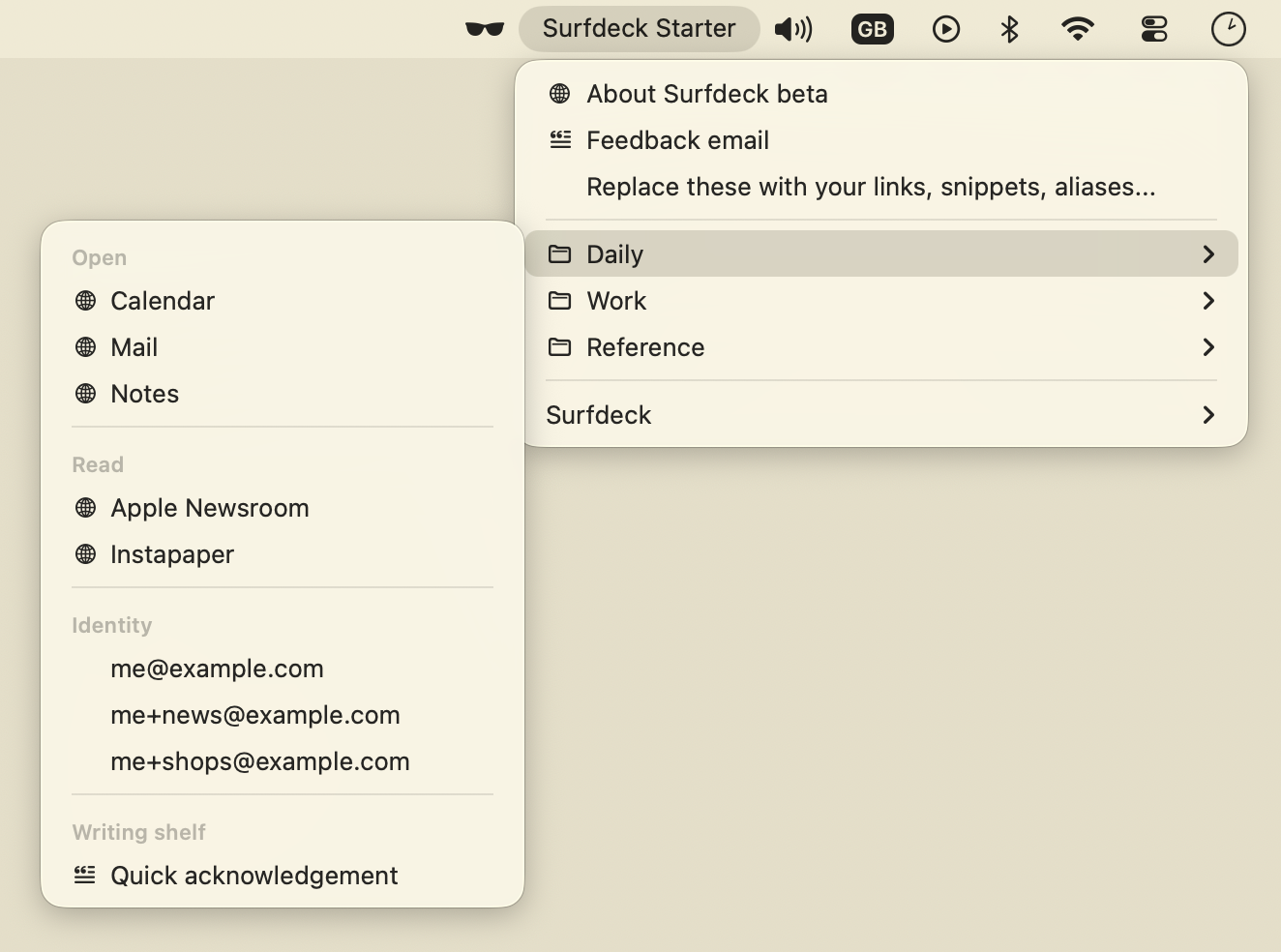
Use an existing .md file or save a starter file from Surfdeck.
Keep your useful links, text snippets, files, and actions in plain text.
Click links to open them. Click snippets to copy them.
Surfdeck does not use an account, cloud database, or proprietary bookmark file. Your file stays yours.
mailto: linksfile:// linksSurfdeck supports a practical subset of Markdown, focused on making useful menu items.
Surfdeck.app to your Applications folder.Surfdeck is distributed outside the Mac App Store for this beta. macOS may confirm that you want to open an app downloaded from the internet.
This is an early beta. Feedback is especially useful if you can say:
Send feedback to: support@moonstage.cc